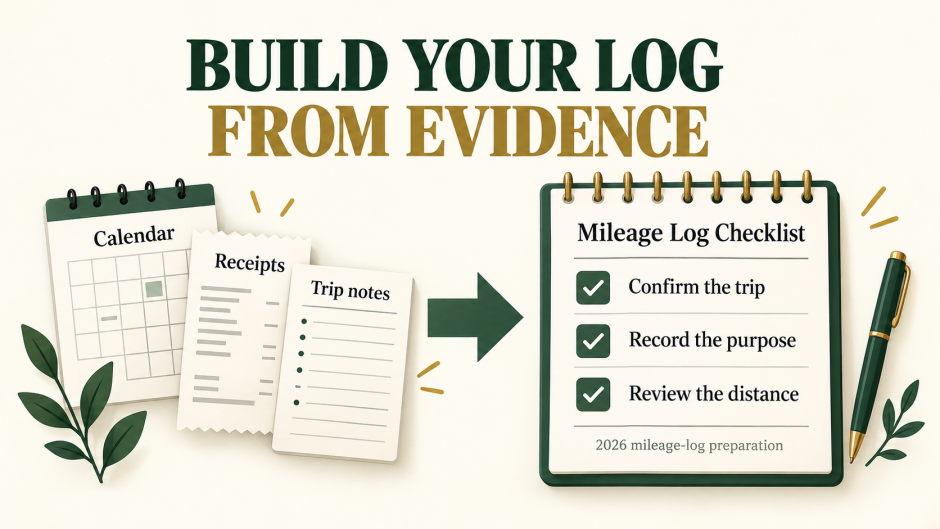
Tax season is easier when your mileage log tells a story you can explain: where you went, why the trip was for business and how far you drove. Whether you have kept up all year or have gaps to review, start with evidence rather than a target deduction.
1. Gather the records behind your driving
Collect the mileage records you already have, then organize supporting material by month and vehicle. Depending on your work, that might include client appointments, work orders, delivery records, invoices, business parking receipts and service records showing odometer readings.
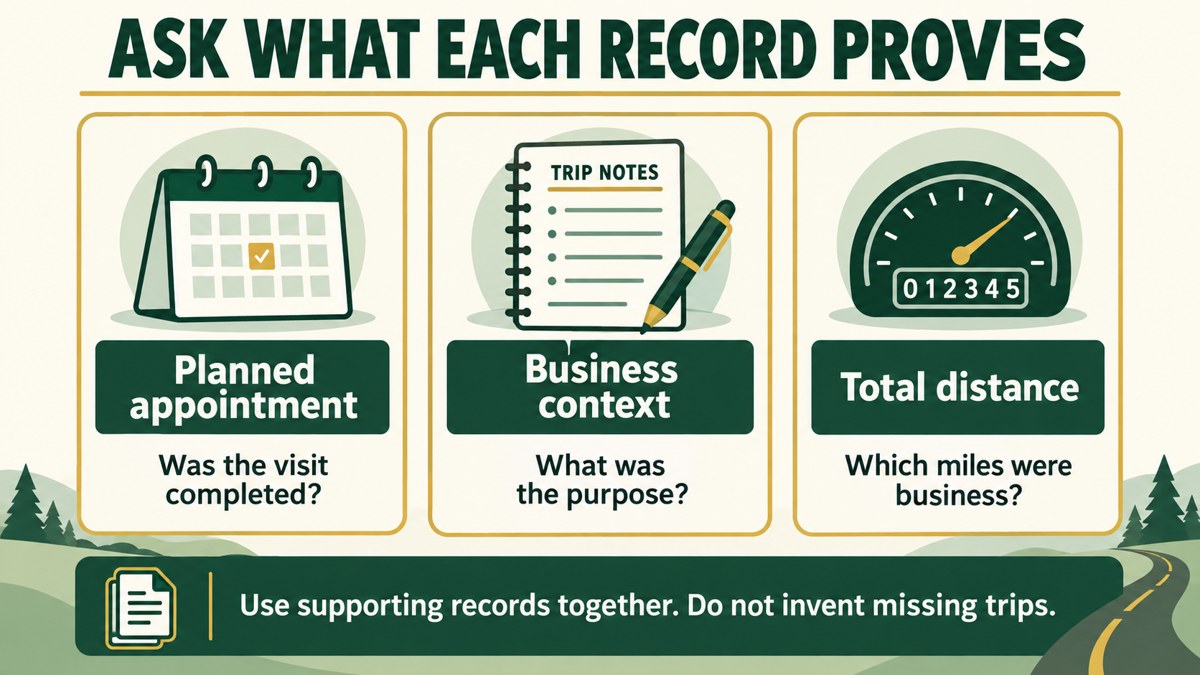
Treat each source according to what it actually proves. A calendar appointment may help establish a planned visit, but a canceled appointment does not prove a drive occurred. An odometer reading can help check the vehicle’s total use, but it does not establish which miles were business. A map can help document a route’s distance; it cannot prove that you drove it on a particular date.
2. Check each business entry
For each business use, review the date, business destination, distance and business purpose. Identify the vehicle and keep total annual mileage information. Give the purpose enough detail to be understandable later, such as a client installation or supplier pickup, rather than an unexplained label like ‘work.’ Keep any confidential supporting detail separately and available if needed.
Do not combine miles from different vehicles into a single vehicle record. Separate business, commuting and other personal use. Driving from home to your regular workplace is generally personal commuting, not business mileage.
3. Handle gaps honestly
A missing entry is a reason to investigate, not a reason to invent a trip. IRS Publication 463 explains that incomplete records require your specific statement plus sufficient supporting evidence. It also says you cannot deduct amounts that you merely approximate or estimate.
A record prepared later does not carry the same weight as a timely record. Save the supporting documents and explain how you arrived at any reconstructed entries. Do not backdate a reconstruction or present it as a record made at the time. If the evidence cannot support a claimed trip or business purpose, flag it for your tax preparer rather than filling the gap with a plausible pattern.
Special rules can apply to records destroyed by events beyond your control. If that is your situation, get advice about the evidence needed instead of assuming that all missing-log cases are treated the same way.
4. Review recurring drives in ExpressMileage
ExpressMileage offers repeating drives, Autopopulate and calendar-based tools to add, edit or delete entries. These features can save data-entry time when you have a documented recurring route. They do not establish that a recurring drive happened on every suggested date.
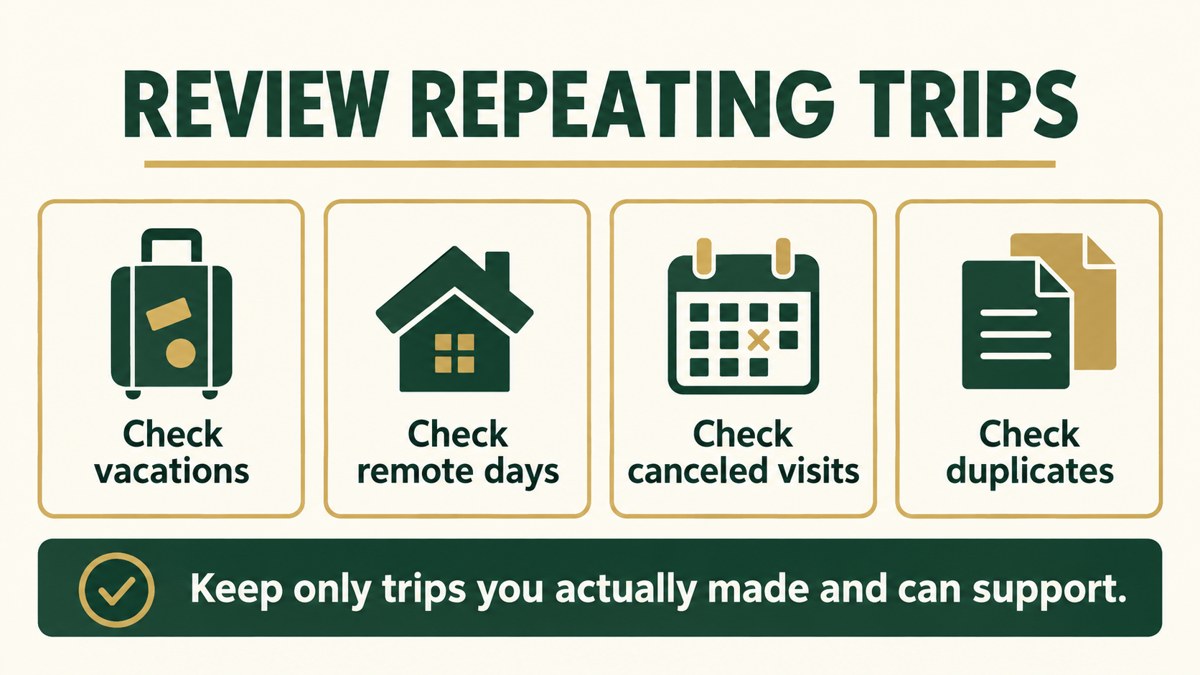
Compare generated entries with your actual work history. Review vacation days, holidays, remote-work days, changed routes and canceled visits. Remove duplicates and personal trips. Never adjust entries just to reach a desired deduction, business-use percentage or odometer target.
The goal is an accurate account of supported driving. A professional-looking spreadsheet is useful organization, not a substitute for evidence.
5. Separate the two 2026 rate periods
For eligible business use under the standard mileage method, the IRS rate is 72.5 cents per mile for January 1 through June 30, 2026, and 76 cents for July 1 through December 31, 2026. Keep those groups separate in the calculation, even if your trips are stored in one annual log.
Check the exported calculation rather than assuming a single whole-year rate setting handles the change. Ask your preparer to confirm your eligibility for standard mileage and the method that applies to your vehicle. Do not add fuel or other costs already covered by that method. Keep business toll and parking receipts available for separate review.
6. Save a review package, not just a total
Export your reviewed log and keep it with the supporting records and notes about unresolved entries. ExpressMileage supports downloadable spreadsheet logs, which you can review before sharing with your preparer. Download access depends on your membership; check your account rather than assuming every feature is free.
Before handing it over, check for duplicate trips, impossible dates, overlapping use of the same vehicle and totals that do not reconcile with available odometer evidence. Explain unresolved differences instead of forcing the numbers to match.
Make next year’s review smaller
Set aside a few minutes each week to review drives while the details are fresh. Publication 463 says a weekly log covering that week’s use can be timely. Save supporting records as you go and correct recurring entries when your routine changes.
Start your ExpressMileage log with the trips and records you can support. Keep the evidence alongside it, and take the uncertain items to your tax professional before you file.
Sources
- IRS Publication 463: chapter 5 recordkeeping
- IRS standard mileage rates
- IRS Announcement 2026-11
- IRS Topic 510: business use of car
- ExpressMileage feature and download guidance
General U.S. federal tax information, checked November 22, 2026. Not personalized tax advice. Confirm eligibility and current filing instructions with your tax professional.