
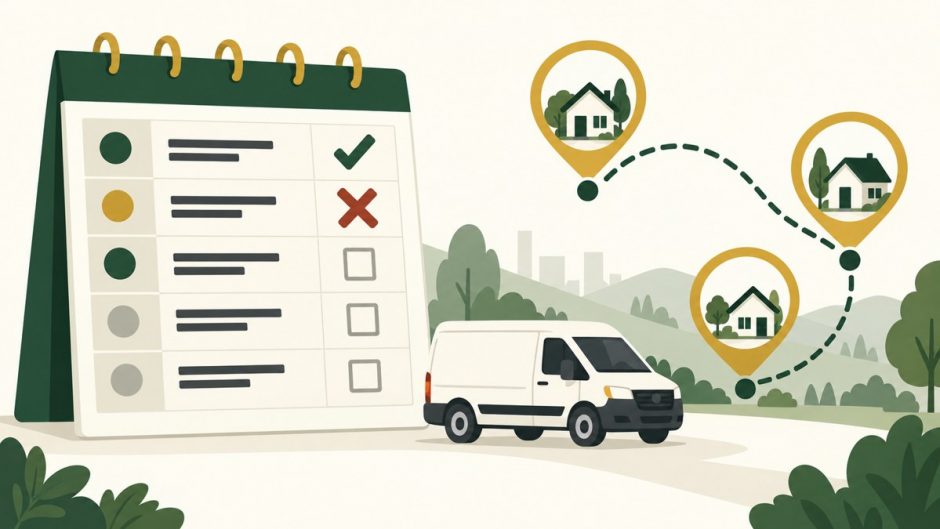
A regular client visit can save you typing, but it cannot tell you whether Tuesday’s drive actually happened. A useful repeating mileage entry starts with a real route and ends with a check against the days you drove. This workflow is for self-employed people organizing supported business travel, not creating a pattern to reach a deduction target.
Start with one supported trip
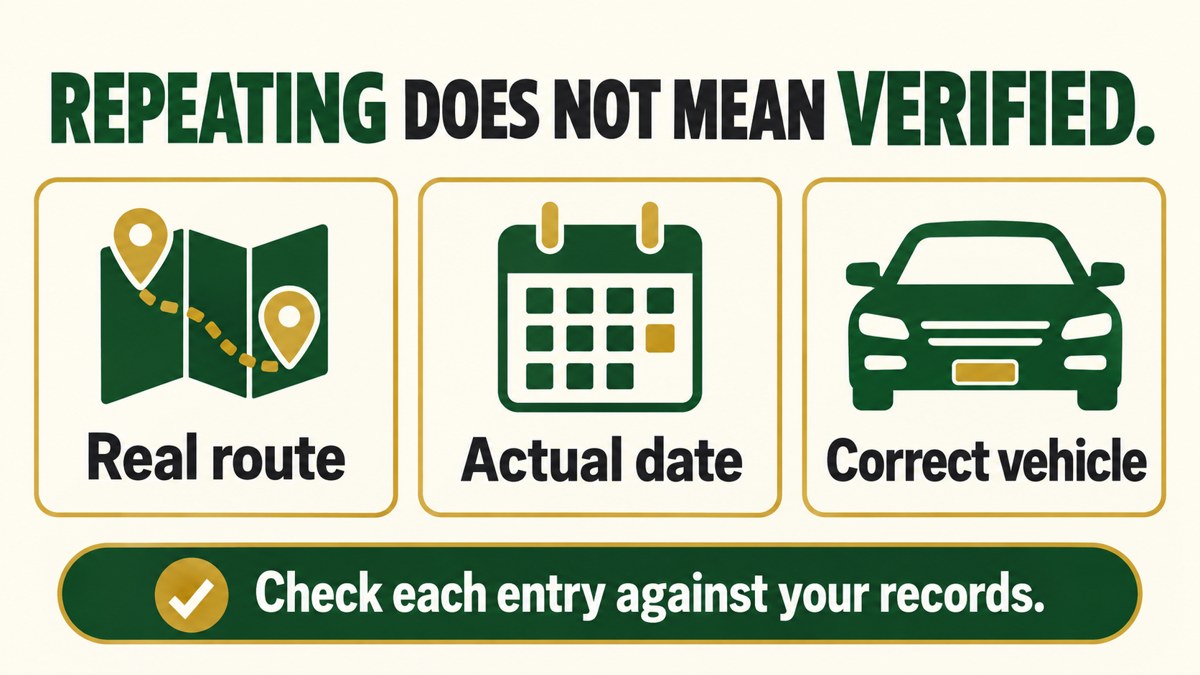
Choose a completed visit that you can connect to your work records. Record the date, starting point, destination, distance and business purpose. Check which vehicle you used. A map can help explain a route’s distance, but a map alone does not prove you drove it. Keep the appointment, work order or other supporting material with your records.
Do not turn a planned visit into a completed trip simply because it appears in your calendar. Confirm the visit occurred before using it as the basis for a repeating entry.
Use repeating entries as a starting point
ExpressMileage’s calendar tools support adding, editing and deleting drives, and its FAQ describes weekly or monthly repeating events through the New Drive feature. Use the frequency that matches your documented work pattern. Treat the resulting entries as a list to review, not as independent evidence.
For example, a recurring Wednesday service visit might be a useful starting pattern. It still needs a date-by-date check for a canceled appointment, a visit moved to Thursday or a week when a different vehicle was used. This is an illustration of the review method, not a suggested driving history.
Review exceptions before downloading
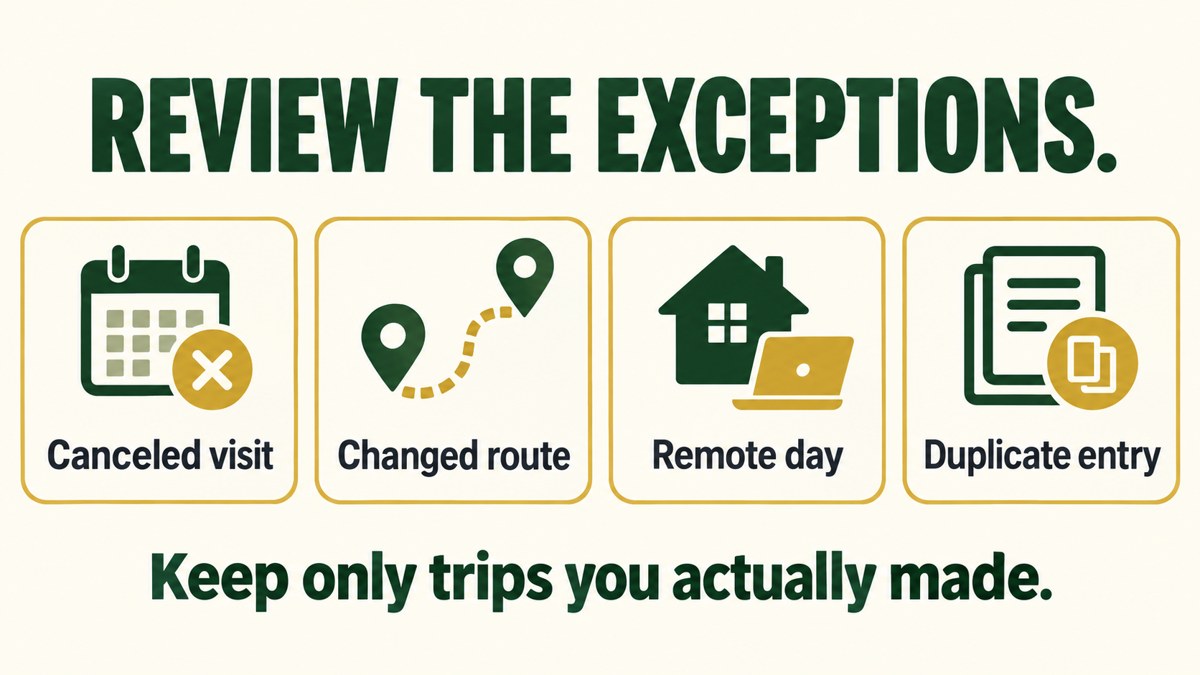
Compare the repeating entries with your actual work history. Check vacations, holidays, remote-work days, canceled visits and route changes. Remove duplicate entries. If you drove to a different location, correct the entry to reflect that trip rather than leaving the usual destination in place.
A holiday is a reason to check the record, not an automatic rule that no business driving happened. Likewise, a workday does not prove that every scheduled drive occurred. Keep only entries you can support.
Keep the routine small and repeatable
Review the current week’s drives while the details are still familiar. IRS Publication 463 gives more weight to records made at or near the time of the activity. A later reconstruction needs supporting evidence and should not be presented as a record made at the time.
When the entries match the evidence, download a review copy and check the dates, vehicle and totals. ExpressMileage’s tools can reduce repeated data entry; they do not decide whether a particular trip is deductible. Keep commuting and personal travel separate, and ask your tax professional about unclear trips.
Sources and scope
Sources checked November 22, 2026. This is general information for organizing business-driving records, not individual tax advice. Current rules and your circumstances determine what you can claim.